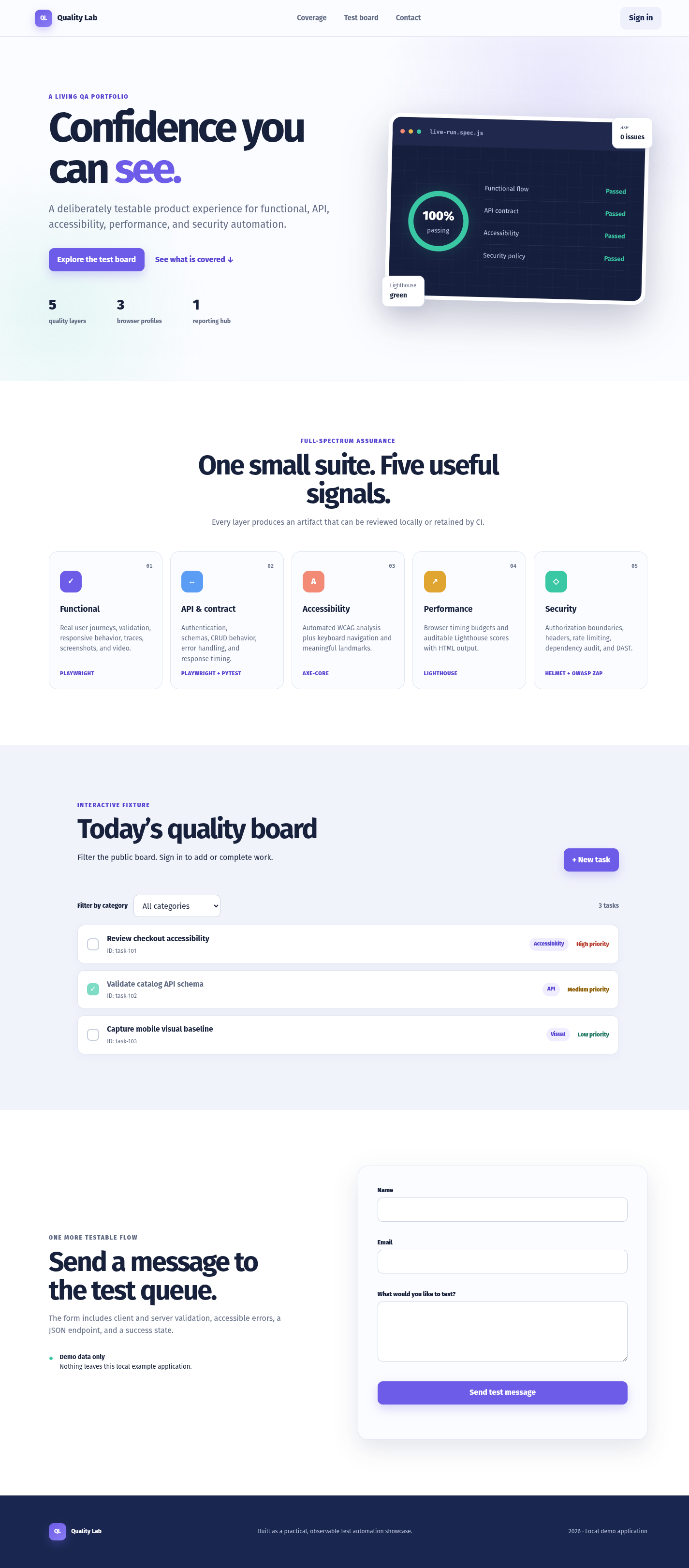
The desktop and mobile pages render consistently with no horizontal overflow, and the primary content, forms, task board, and responsive sections are present. Two concrete runtime signals warrant follow-up: a blocked inline style under CSP and a desktop-only 404. Mobile navigation also appears potentially inaccessible because the primary links are hidden without an evident replacement control.
Blind bug decisionpossible bug
The evidence shows a reproducible CSP violation and a desktop 404, but does not establish their user impact. Mobile navigation visibility suggests a possible responsive usability defect, pending interaction verification.
Strongest evidenceBoth viewports report an inline-style CSP violation; desktop additionally reports a 404. On mobile, all three primary navigation links are present but not visible, with no clearly evidenced menu control.
What remains uncertainThe failed resource and blocked style are not identified, and the evidence does not show keyboard interaction or whether another mobile navigation mechanism exists.
medium87% confidence
Runtime styling and potentially stateful UI behavior
Observed evidenceBoth desktop and mobile console evidence reports: "Applying inline style violates the following Content Security Policy directive 'style-src 'self'" and says the action was blocked.
Potential impactAny UI state or feedback that depends on that inline style may fail to appear or may render incorrectly, potentially affecting form validation, dialogs, menus, or other interactions.
RecommendationMove the styling to an allowed stylesheet or apply a nonce/hash for intentional inline styles, then verify affected states.
interaction-feedback · bothDeterministic follow-upIn Playwright, exercise the form, sign-in, and new-task interactions while listening for console messages; assert expected state elements become visible and that no CSP violation is emitted. Inspect the blocked request/script or style mutation in DevTools/DOM to identify the responsible component.
low78% confidence
Primary navigation in the mobile header
Observed evidenceThe mobile interactive/navigation evidence lists Coverage, Test board, and Contact as present but all three are `visible: false`. The mobile text excerpt shows only the logo and Sign in at the top; no menu label or menu button is evidenced.
Potential impactUsers may be unable to reach the corresponding sections directly from the header on mobile, unless an unreported alternate navigation control exists.
RecommendationProvide a clearly visible, keyboard-accessible menu control or retain an accessible compact navigation. Ensure the control has an accessible name and exposes the links when activated.
usability · mobileDeterministic follow-upAt 412px, query visible buttons and links, inspect accessible names, tab through the header, and click any menu trigger if present. Assert that Coverage, Test board, and Contact become visible and receive focus after activation, and that each navigates to its target.
low66% confidence
Resource loading
Observed evidenceDesktop console evidence reports `Failed to load resource: the server responded with a status of 404 (Not Found)`, while the mobile console evidence does not report that 404.
Potential impactA desktop-only missing asset or endpoint could cause incomplete visuals or behavior at the desktop breakpoint, although the supplied screenshots do not show an obvious rendering failure.
RecommendationIdentify the exact failing URL and either restore it or remove the stale reference.
usability · desktopDeterministic follow-upRun Playwright at 1440px with `page.on('response')` and `page.on('requestfailed')`, record all responses with status 404, and assert that required images, stylesheets, scripts, and API calls return 2xx/3xx.